The idea of letting an app cut off its internet access: why AntiSpyPhone’s “Internet permissions” feature is quietly impressive
If you’ve heard about spyware and thought, “But it probably doesn’t affect me,” reading the news from 2025 to 2026 might change your perspective a little.
Have you heard of Pegasus spyware?
Pegasus is surveillance software developed by Israeli company NSO Group and reportedly sold to governments.
What makes Pegasus so troublesome is that it can carry out “zero-click attacks.”
In other words, spyware can be installed on your phone even if you don’t do anything.
Even if you don’t click suspicious links or open unfamiliar files.
Even iPhones have been affected, and Apple has issued multiple emergency updates through 2025.
So, is Android safe? Unfortunately, Android is no exception.
The real issue is what happens after spyware has been installed.
No matter how secure the operating system is, malware that has successfully breached it will keep sending data out if it can communicate with the outside world.
Spyware only gets to “do its job” once it takes stolen data out of the device.
In other words, the barrier of “not letting it connect to the internet” can be the last line of defense.
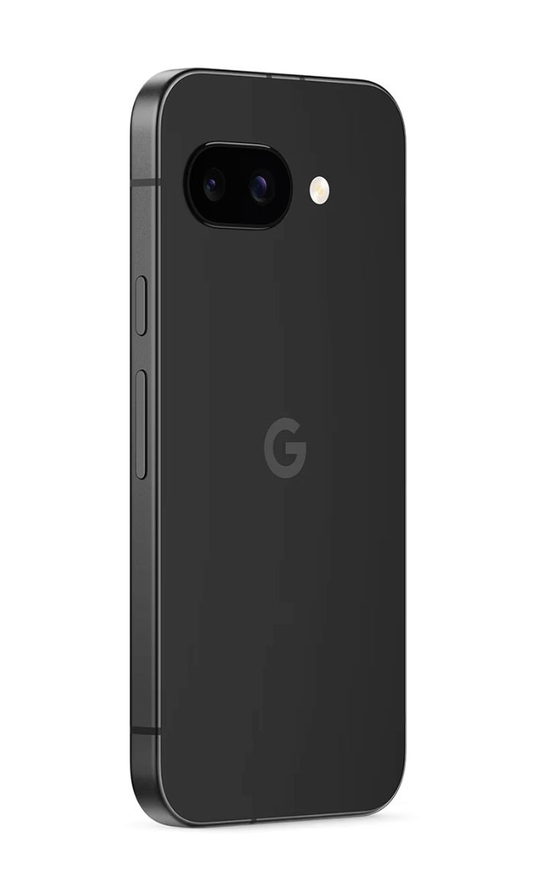
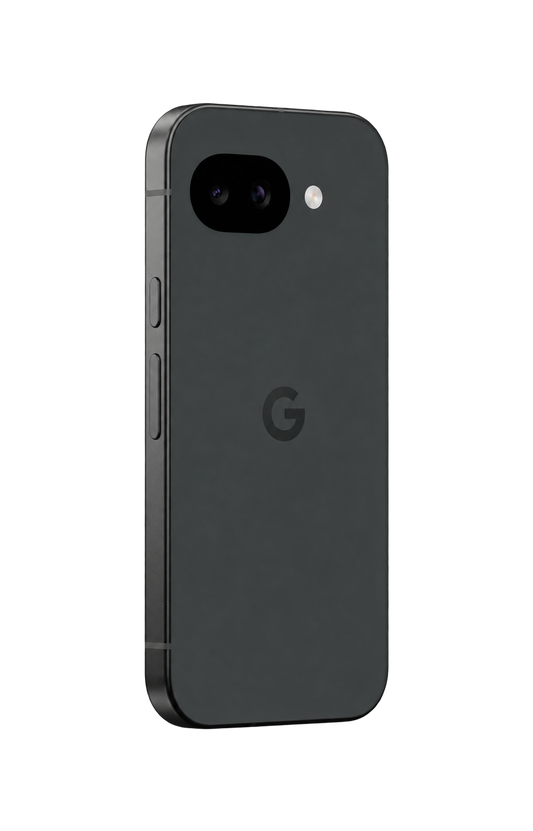
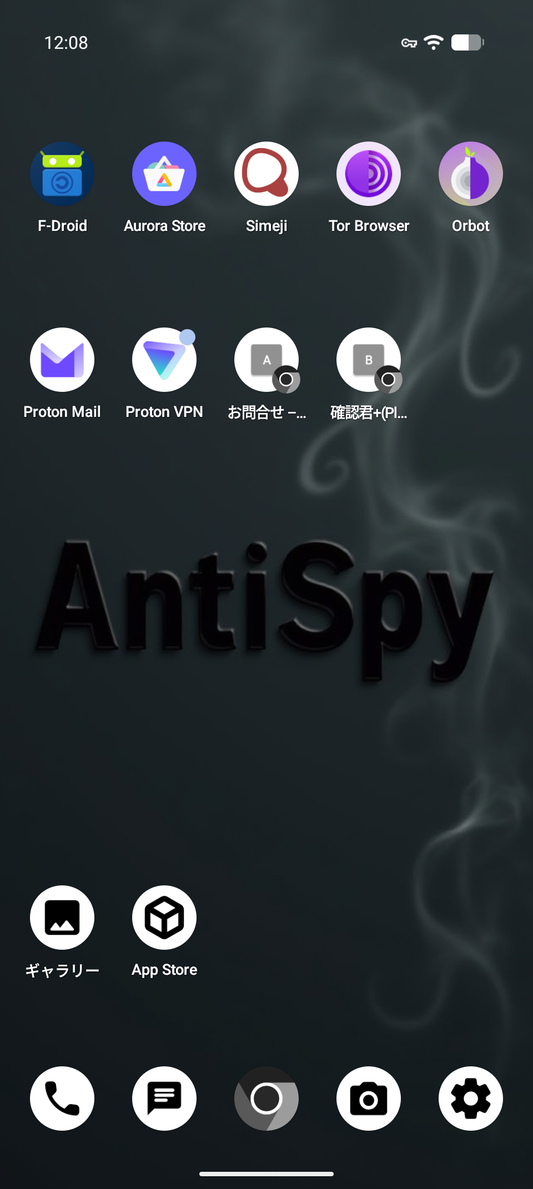
Let’s now take a look at AntiSpyPhone’s features.
AntiSpyPhone has a “Network Permission” feature that lets you control whether each app can access the internet.
By default, Android allows apps to connect to the internet freely.
they’re designed on the assumption that almost every app needs internet access.
However,AntiSpyPhone turns this assumption on its head: you can restrict network access for apps by default and grant permission only to the apps that need it.
For example, a notes app, calculator, or dictionary that you only use offline.
There’s no need to give these apps internet access.
Without network permission, an app can’t communicate with the outside world, even if it contains malicious code.
Even if it tries to steal data, it can’t connect to a destination.
Think of a thief who stole a package from your doorstep, only to find the front door locked and be unable to get out.
What makes this quietly impressive is that it protects you against the “what if” scenarios after installation.
A malicious app that slips past the app store’s review process, an app hijacked through an exploited vulnerability, or an app that turns into spyware after its developer changes course.
Against unpredictable situations like these, the restriction that “it can’t get online in the first place” comes into play.
Another important feature that doesn’t get much attention is “Auto Reboot.”
AntiSpyPhone has a setting that automatically reboots your phone if it hasn’t been unlocked for a set period of time.
The default is 72 hours, but you can change it to whatever interval you like.
Rebooting matters because many smartphone exploits rely on the device being left running continuously.
Rebooting resets the memory and erases any malware code that was temporarily there.
Zero-click spyware like Pegasus can also have its activity limited while the phone is locked, and in some cases, a reboot wipes it from memory.
This is why Apple once recommended that security researchers “reboot their iPhones regularly.”
AntiSpyPhone automates that for you.
There’s no need to make a habit of rebooting manually; just set it up, and it’ll do so automatically.
“Rebooting” may sound like a decidedly analog solution, but the principle is simple and reliable.
Against high-tech attacks, a defense that sticks to the basics works.
This is common in the world of security.
In short, one reason AntiSpyPhone is effective against spyware like Pegasus is that it uses a defense-in-depth approach: it doesn’t just rely on keeping attacks out, but also on preventing them from running if they get in, stopping them from sending data out even if they do run, and wiping them out on reboot even if they manage to send data.
In security, this is called “defense in depth”: even if one wall is breached, there’s another behind it.
If an app can’t transmit data, spyware is just useless baggage.
It may seem like a minor feature, but it actually gets to the heart of the matter.